






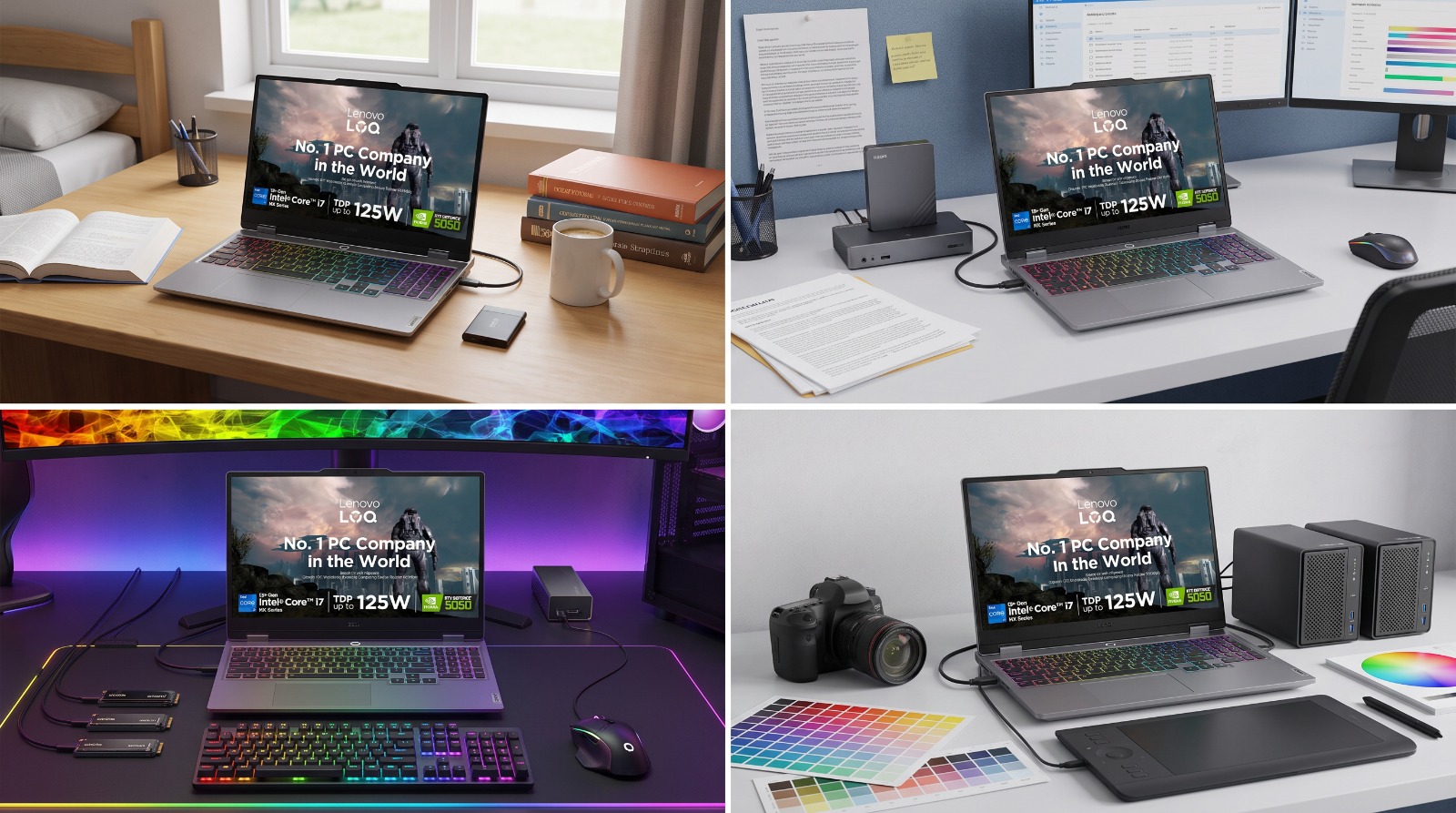
Storage Matters More Than You Think
When buying a new laptop or desktop, most people pay close attention to the processor, RAM, display, and graphics. While these specifications are important, the type of storage inside your computer plays an equally significant role in determining how fast and smoothly it performs every day.
Whether you're starting your laptop, opening applications, transferring files, or loading games, your storage device directly affects the overall user experience. This is why many modern laptops now come equipped with Solid State Drives (SSDs), while some models continue to offer Hard Disk Drives (HDDs) or a combination of both.
If you've ever wondered whether an SSD is worth the extra cost or if an HDD is still a good option, you're not alone. Understanding the differences between these two storage technologies can help you choose a laptop or desktop that suits your needs and budget.
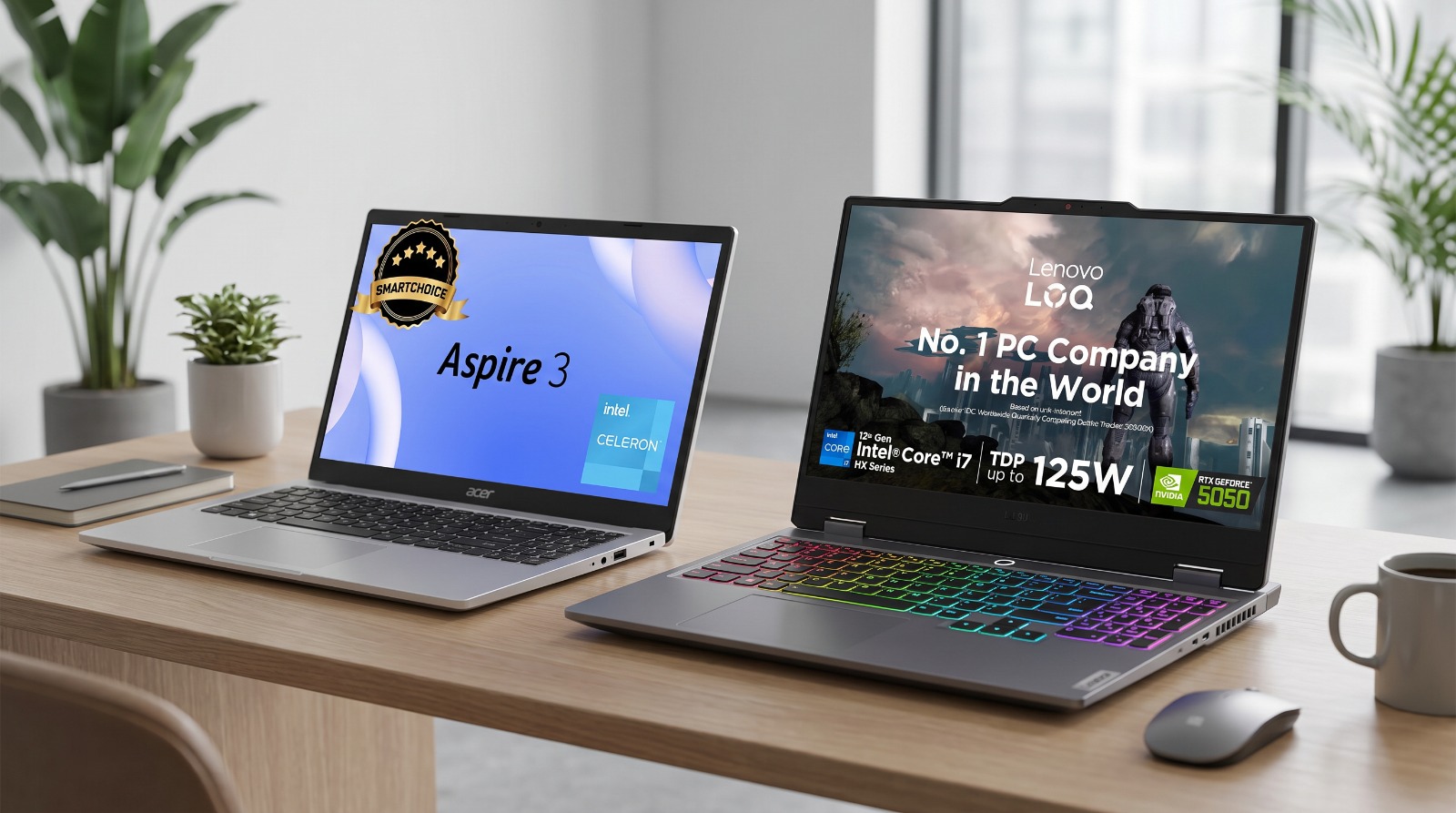
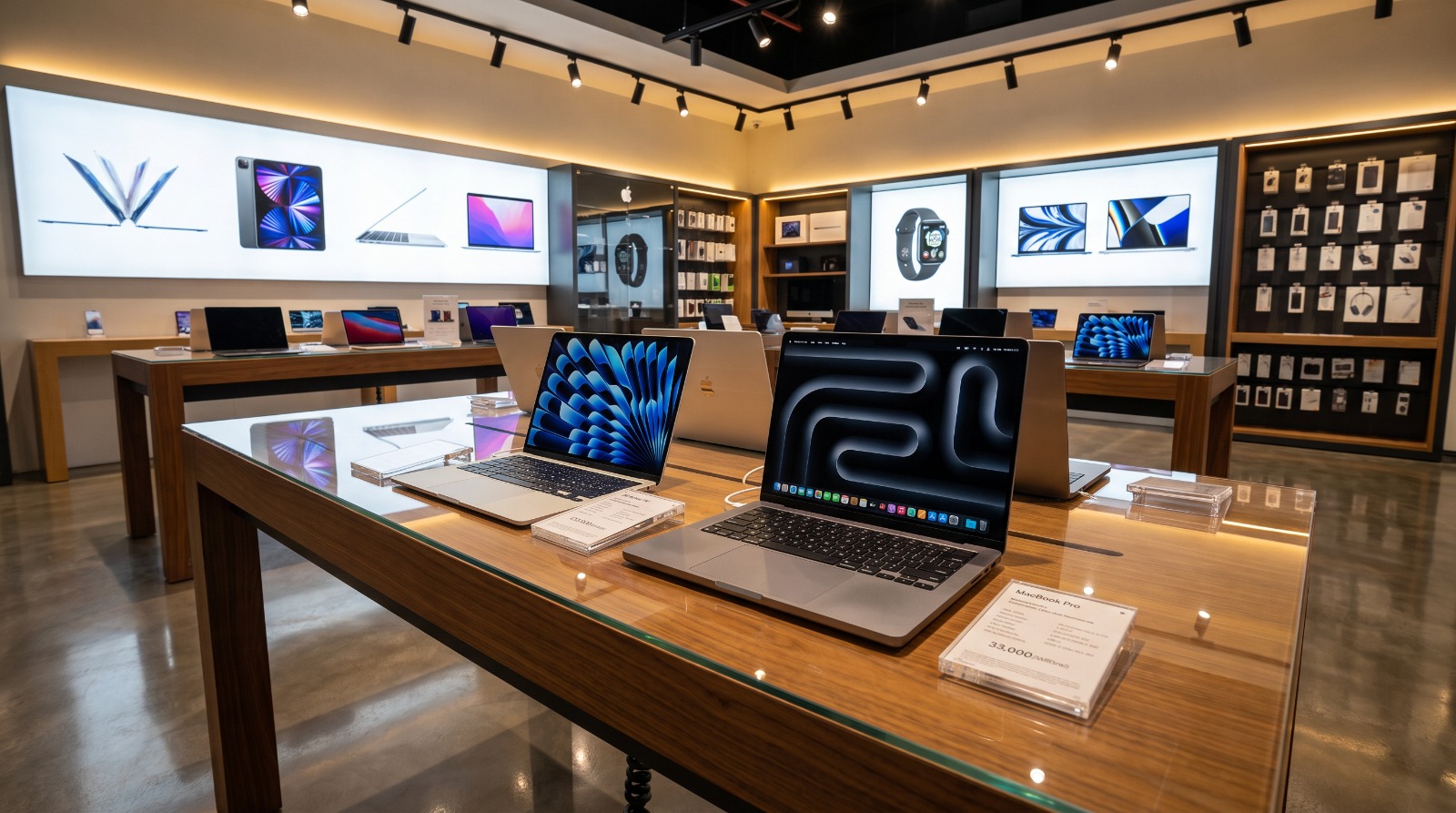
At Sathya, you can explore a wide range of laptops and desktops from leading brands such as HP, Dell, Lenovo, ASUS, Acer, and more, with storage options designed for students, professionals, gamers, and everyday users.
- Explore Laptops : https://www.sathya.store/category/computers/laptops
- Explore Desktops : https://www.sathya.store/category/computers/desktop-pcs
What Is an HDD?
A Hard Disk Drive (HDD) is the traditional storage device that has been used in computers for decades. It stores data on spinning magnetic disks, and a mechanical read/write head moves across the disks to access information.
Because an HDD relies on moving parts, reading and writing data takes more time compared to modern storage technologies. However, HDDs continue to be a popular choice because they offer large storage capacities at a more affordable price.
An HDD is well suited for users who need plenty of storage for documents, photos, videos, movies, and backups without spending significantly more on their computer.
Some of the key advantages of an HDD include:
Higher storage capacity at a lower cost
Ideal for storing large files and media collections
Good option for budget-conscious buyers
Widely available across laptops and desktop PCs
While HDDs provide excellent value in terms of storage space, users should also consider that they generally offer slower boot times and application loading speeds compared to SSDs.
Higher storage capacity at a lower cost
Ideal for storing large files and media collections
Good option for budget-conscious buyers
Widely available across laptops and desktop PCs
What Is an SSD?
A Solid State Drive (SSD) is a modern storage device that uses flash memory instead of spinning disks to store data. Unlike an HDD, an SSD has no moving parts, allowing it to access and transfer data much faster.
Because of its speed and reliability, SSD technology has become the standard storage option in many new laptops and desktop computers. Whether you're starting your device, opening applications, or transferring files, an SSD helps deliver a faster and more responsive computing experience.
Although SSDs generally cost more than HDDs for the same storage capacity, many users find the performance benefits well worth the investment.
Explore SSD laptops : https://www.sathya.store/SSD+laptops
Some of the key advantages of an SSD include:
Faster boot times
Quick application loading
Improved multitasking performance
Silent operation with no moving parts
Better durability against accidental bumps and vibrations
Lower power consumption, helping improve laptop battery life
For users who rely on their computers every day, an SSD can make routine tasks feel smoother and more efficient.

Faster boot times
Quick application loading
Improved multitasking performance
Silent operation with no moving parts
Better durability against accidental bumps and vibrations
Lower power consumption, helping improve laptop battery life
SSD vs HDD: Key Differences
While both SSDs and HDDs perform the same basic function of storing your files and operating system, they differ significantly in speed, performance, durability, and cost.
| Feature | SSD | HDD |
| Speed | Very fast read and write speeds | Slower data access due to mechanical components |
| Boot Time | Boots in seconds | Takes longer to start |
| Application Loading | Opens apps quickly | Longer loading times |
| Durability | More resistant to shocks and vibrations | More vulnerable to physical damage |
| Noise | Silent operation | Produces slight spinning and clicking sounds |
| Power Consumption | Lower, helping improve battery efficiency | Higher due to moving parts |
| Cost | Higher cost per GB | More affordable per GB |
| Storage Capacity | Commonly 256GB to 1TB | Easily available in 1TB, 2TB, and higher capacities |
The biggest advantage of an SSD is speed. Everyday tasks such as starting your computer, opening web browsers, launching office applications, and copying files become noticeably quicker.
An HDD, on the other hand, continues to be a practical choice for users who need large amounts of storage at a lower price. If your priority is storing extensive photo libraries, videos, movies, or backup files, an HDD can still offer excellent value.
Ultimately, the right choice depends on how you use your computer and what matters most to you: speed, storage capacity, or budget.
Which Storage Option Is Best for You?
The choice between an SSD and an HDD depends on how you use your laptop or desktop. While SSDs deliver faster performance, HDDs continue to offer excellent value for users who need larger storage capacities. Understanding your daily computing needs can help you make the right decision.
For Students
Students often use their laptops for online classes, assignments, web browsing, presentations, and multimedia content. An SSD is a great choice because it helps the laptop start quickly, opens applications faster, and provides a smoother experience while multitasking.
If you regularly store large study materials, videos, or project files, consider a laptop with a higher-capacity SSD or one that offers expandable storage.
For Working Professionals
Professionals frequently work with office applications, video conferencing platforms, spreadsheets, and multiple browser tabs. A laptop with an SSD delivers quicker boot times and faster file access, helping improve productivity throughout the day.
For users who handle large business files or maintain extensive archives, combining an SSD with additional storage can be a practical solution.
For Gamers
Modern games require fast loading speeds and quick access to large files. An SSD helps reduce game loading times, speeds up updates, and improves the overall gaming experience.
While an HDD can still be used to store a large game library, installing frequently played games on an SSD provides noticeably better performance.
- Gaming Laptops : https://www.sathya.store/category/laptops/Type=gaming-laptop
For Content Creators
Photographers, video editors, graphic designers, and content creators often work with large files that require fast read and write speeds.
An SSD allows editing software to launch quickly and helps reduce the time needed to transfer and process large media files. Many creators also use an HDD as secondary storage for completed projects, raw footage, and backups.
Should You Choose a Laptop with Both SSD and HDD?
Some laptops and desktop computers offer a combination of both storage options, allowing users to enjoy the benefits of each.
A common setup includes:
SSD for the operating system and frequently used applications
HDD for storing photos, videos, documents, games, and backups
This combination provides fast everyday performance while offering ample storage space for larger files. It is an excellent option for users who need both speed and capacity without relying entirely on a high-capacity SSD.
Common Myths About SSDs and HDDs
Myth 1: Bigger Storage Means Better Performance
Reality: Storage capacity and storage speed are different. A 1TB HDD may provide more space than a 512GB SSD, but the SSD will generally deliver much faster performance.
Myth 2: HDDs Are Outdated
Reality: HDDs remain a practical choice for users who need affordable, high-capacity storage for documents, photos, videos, and backups.
Myth 3: SSDs Are Only for Gamers
Reality: Anyone can benefit from an SSD. Students, professionals, and everyday users all enjoy faster startup times, quicker application loading, and a smoother computing experience.
Choosing the right storage option is about understanding your needs rather than simply selecting the latest technology.

Final Thoughts
Choosing between an SSD and an HDD comes down to how you use your laptop or desktop. If speed, responsiveness, and smooth multitasking are your priorities, an SSD is the ideal choice. It helps your computer boot faster, loads applications quickly, and delivers a better overall user experience.
If your primary requirement is storing large volumes of photos, videos, documents, or backups at a lower cost, an HDD continues to be a practical and reliable option. For many users, a combination of SSD and HDD offers the best balance between performance and storage capacity.
Before making your purchase, consider your budget, daily usage, and future storage needs. Selecting the right storage option today can help ensure your computer performs efficiently for years to come.
At Sathya, you can explore a wide range of laptops and desktop computers from trusted brands, available with SSD, HDD, and hybrid storage configurations. Whether you're a student, professional, gamer, or content creator, you'll find a device that matches your performance requirements and budget.
Suggested Product Category Links
- Laptops : https://www.sathya.store/category/laptops
- Desktop Computers : https://www.sathya.store/category/desktop-pcs
- Gaming Laptops : https://www.sathya.store/category/laptops/Type=gaming-laptop
- HP Laptops : https://www.sathya.store/category/laptops/Brands=hp
- Dell Laptops : https://www.sathya.store/category/laptops/Brands=dell
- Lenovo Laptops : https://www.sathya.store/category/laptops/Brands=lenovo
- ASUS Laptops : https://www.sathya.store/category/laptops/&Brands=asus
Laptop Accessories:
- Printers : https://www.sathya.store/search/category=Printers
- Wireless Mouse : https://www.sathya.store/search/category=Wireless+Mouse
- Laptop Backpacks : https://www.sathya.store/search/category=Laptop+Backpacks
- Laptop Accessories : https://www.sathya.store/search/category=Laptop+Accessories
- Keyboards : https://www.sathya.store/search/category=Keyboards